Working on the Tree

Work have now started on version 1.3.50 – The Tree.
I already have a lot of code since my try in 2020 and 2021.
I found that I needed to stop development and to other things like being a father to three Poodle puppues, we moved to a larger apartment that still need a lot of work, there were a pandemic, I operated on my foot, got a Quest 3 and spent time on that, had to learn a lot for work with AI and MongoDb.
One thing that really made the Mojo come back is Junie. The agent coder in PHP Storm. It is a bliss to work with that excellent tool. Saves me hours every day.
What is the Tree
The Tree is a client + server plugin that handles your personal data. Your client plugins use the Tree to store the data and can ask for the data.
Your client plugin uses the Tree like any storage device. The Tree then handle:
- Encryption
- Storage
- Sync between client and server
- Backup/Restore
- Statistics
Tree Encryption
The client always encrypt your data when you save data to the Tree.
The client always decrypt your data just before you want to use it. You can optionally get the encrypted data.
The plan is to use GPG encryption, unless I find something else that is commonly used on all platforms. (Windows, Linux, MacOS)
A checksum of the unencrypted data is always created for sync purposes.
If you run a local InfoHub server in your network then you can turn off encryption if you want to.
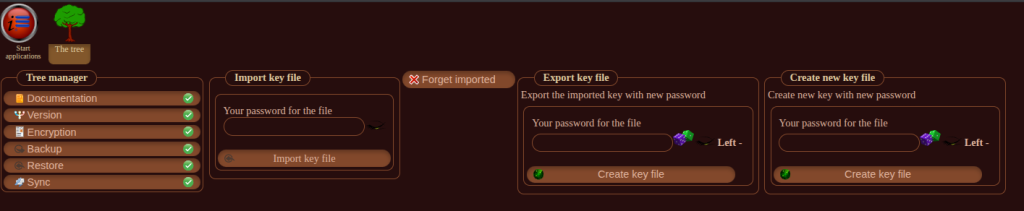
Tree data list – server
A list with all your data is always maintained on the server. The list has all keys and checksums.
When data is stored on the server then the list is updated.
- key
- checksum
The list can always be rebuilt by reading all local items to get their checksums.
Tree data list – client
- key
- client checksum – The client create an md5 checksum of the unencrypted data
- server checksum – The same checksum follow the data to the server
The list can always be rebuilt by getting the latest list from the server and then read all local items to get their checksums.
- Button “Rebuild client list”
- Button “Rebuild server list” – Only admins have this button
Tree Storage – Client
Each item that is stored has:
- key – Is like a path so data is stored correctly
- data – encrypted data
- checksum – a MD5 checksum of the unencrypted data
- size in bytes
- created_at – date and time the item was created
- updated_at – date and time the item was updated
CRUD
You can read, write, update, delete data. The client list is always updated with the new MD5 checksum of the unencrypted data.
Retention
The local database can be large but not endless. If we run out of space then local items that have the same client checksum and server checksum will be erased locally.
That is fine since they exist on the server too.
What items to pick is for another blog post. We want to delete as few as possible.
Tree Sync
Read data
If you want to read data that is not found locally then a request is sent to the server for the data.
Data is
- Decrypted and give to you
- Stored in Storage
- Tree data list is updated
All at the same time.
New data
If you give new data to Storage the it has a client checksum but there is no server checksum. Then data will to be synced to the server at the next occasion.
Change data
If you change data locally then the client checksum and the server checksum is different. Then data will to be synced at the next occasion.
Delete data
If you delete the item it will get a new checksum in the client list. That checksum deletes the data on the server and removes it from the server list.
Compare
If two clients edit the same item then one of them get an OK sync with the server.
The other client find that the server refuse to sync that item since the server_checksum in the client list and the server list is different.
Now the server version is downloaded and a merge of the JSON data in the items is tried if there are new fields in one of the items.
If we can not merge then the user is presented with a compare-interface and can pick a version or copy & paste data between them.
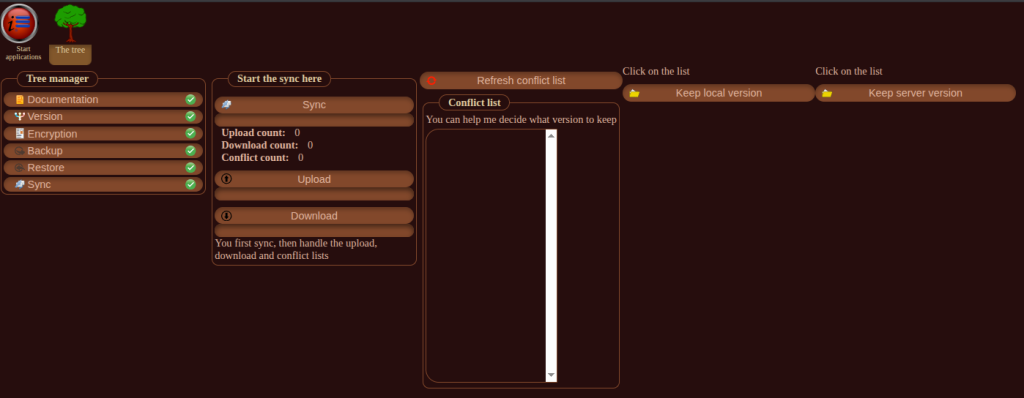
Tree Backup
In the Tree interface you can select “Backup”.
You can select plugin names you want to backup. You get one file for each plugin.
The file contain unencrypted JSON data.
You can also backup everything new since the last backup.
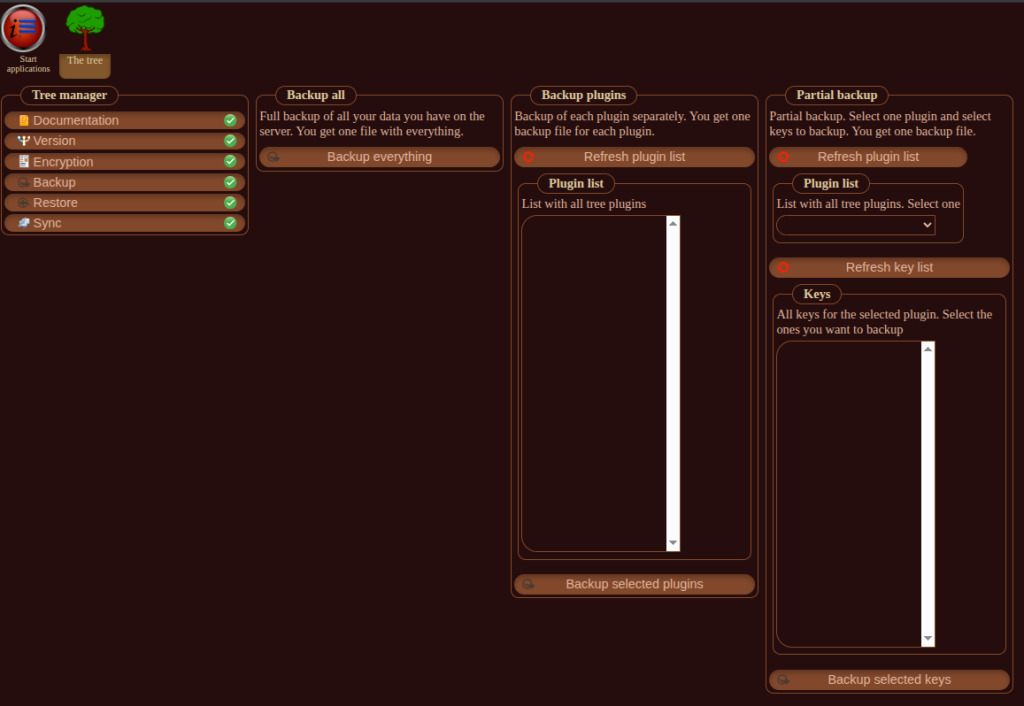
Tree Restore
You can restore any file at any time.
Only the keys in the restore will be overwritten, all other keys are intact.
If you want to restore specific keys then prepare a file with them.
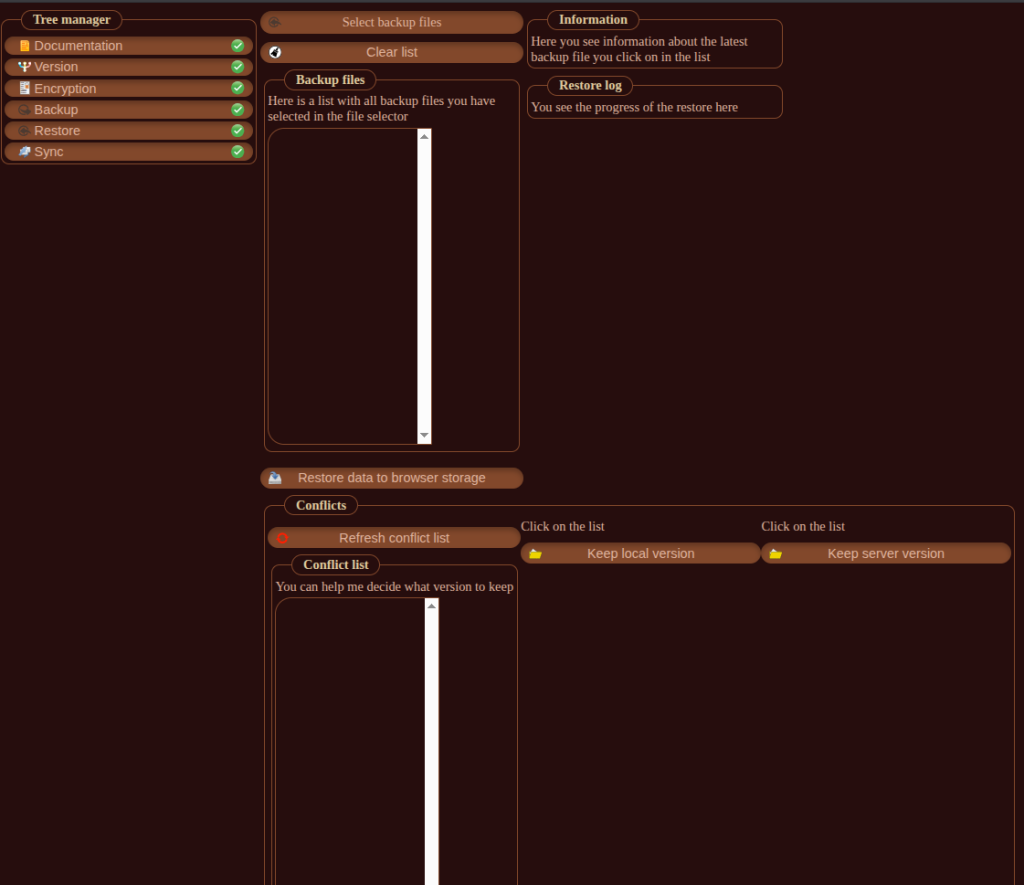
Statistics
GUI: “Storage – Information” – Show how many keys each plugin have stored. Their total size.
Documentation
Read all documentation for all the parts.
Version
Displays the version information for all Tree-plugins.